The Story
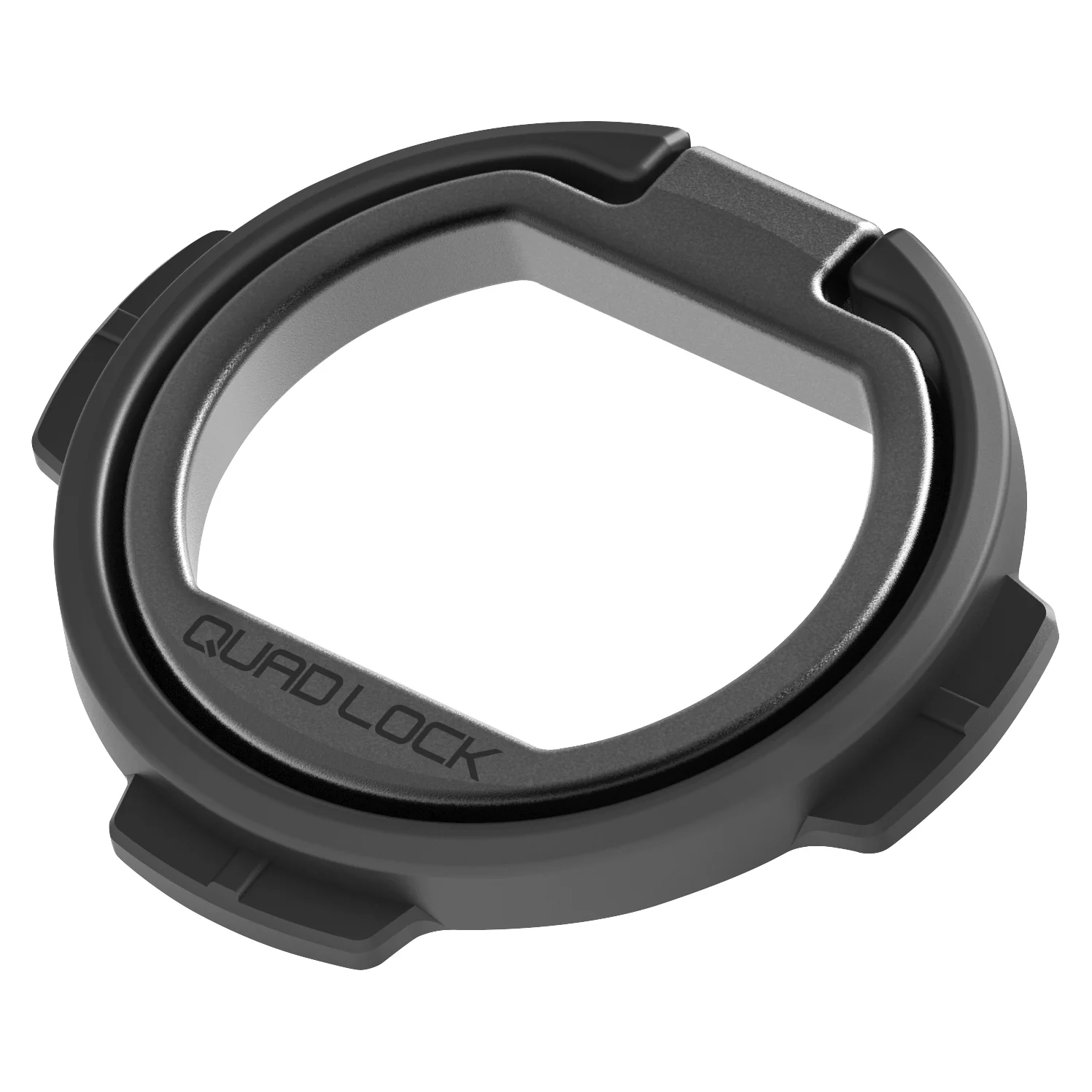
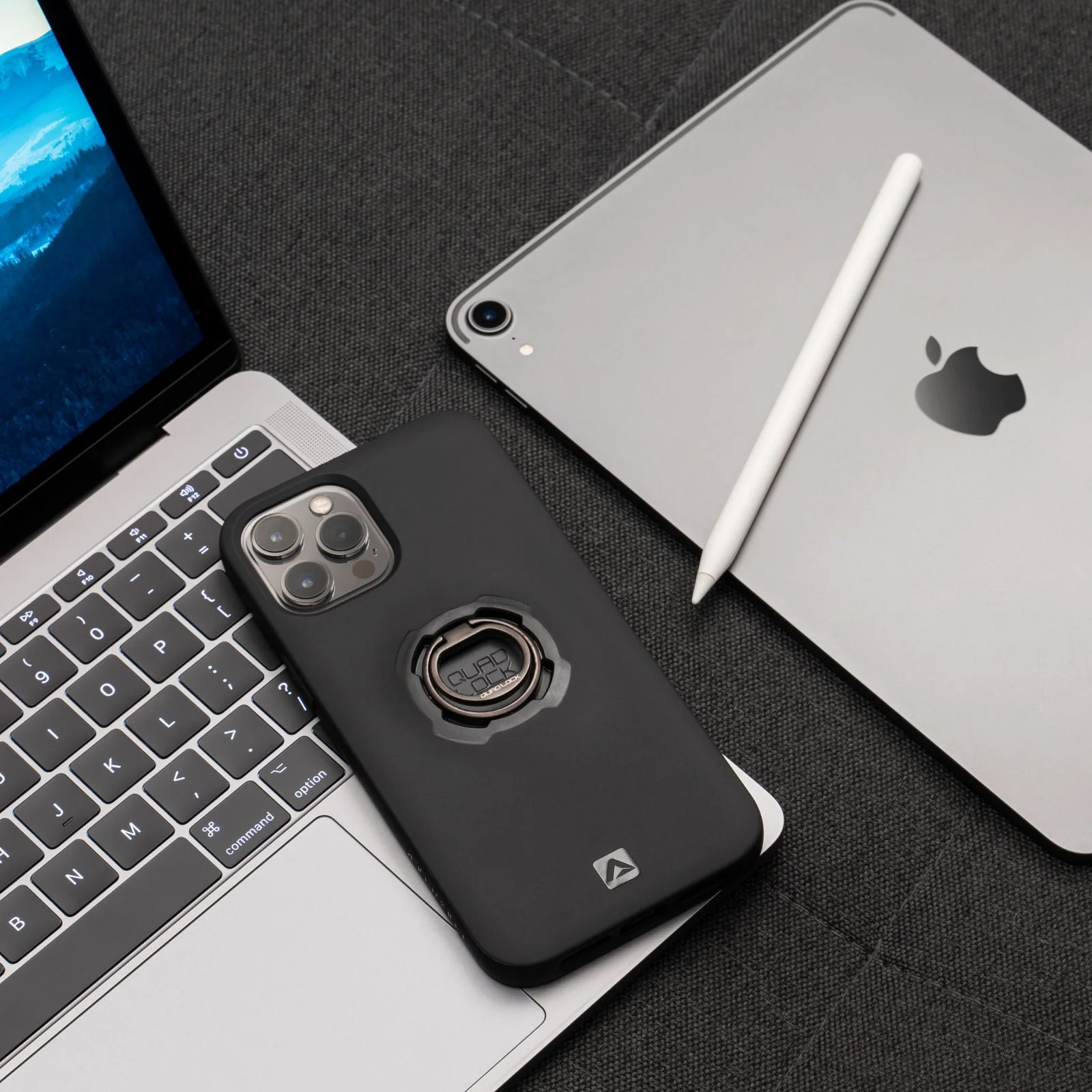
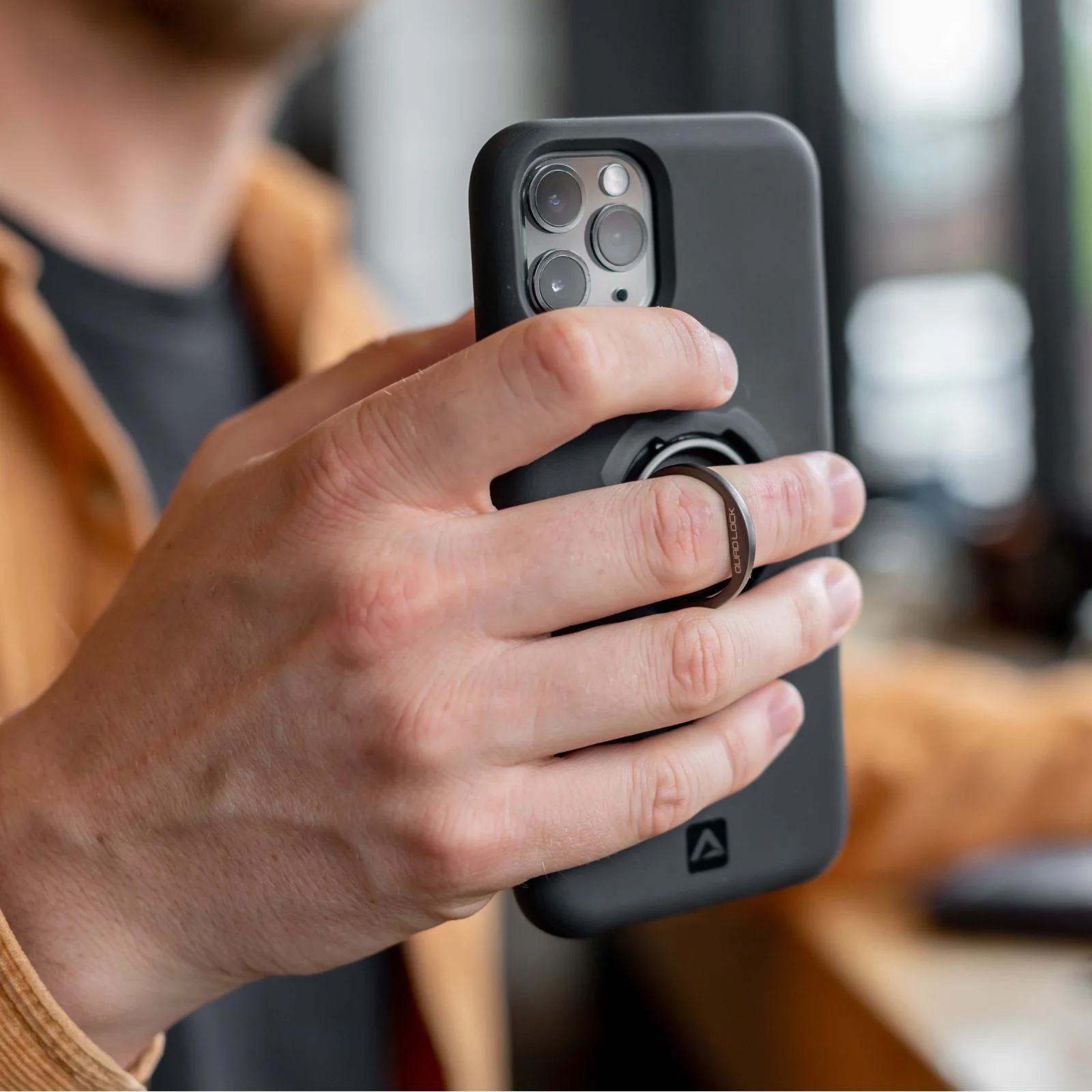
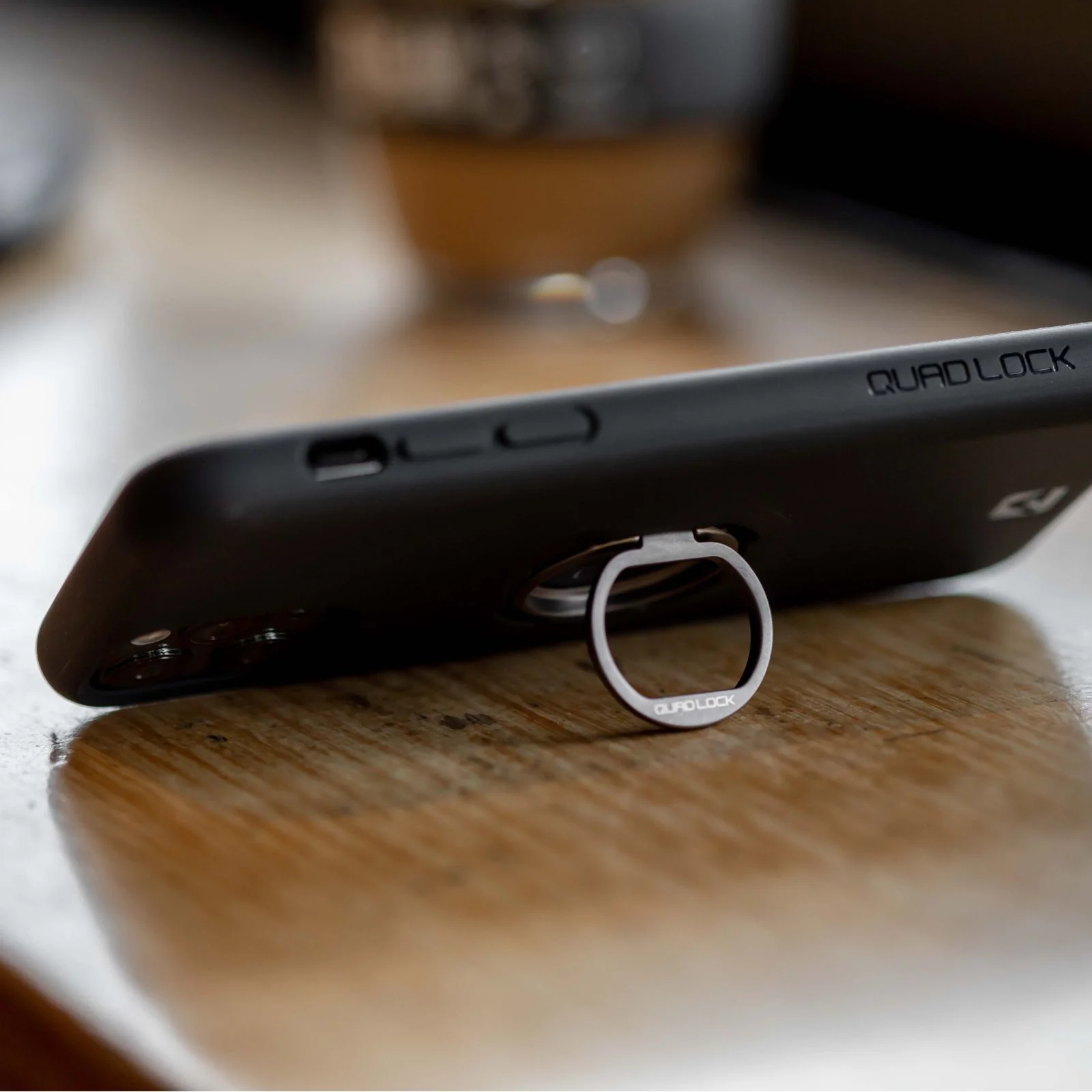
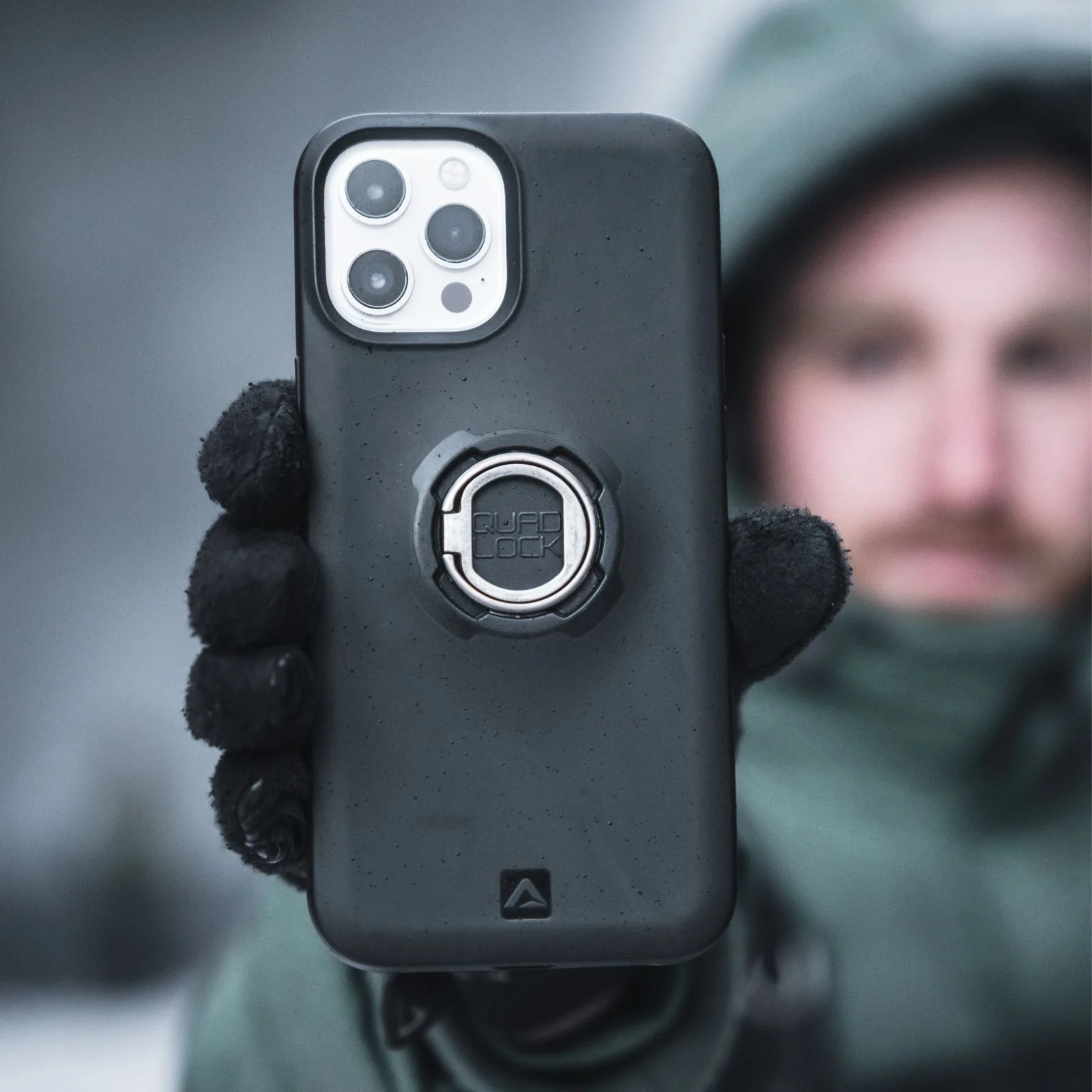
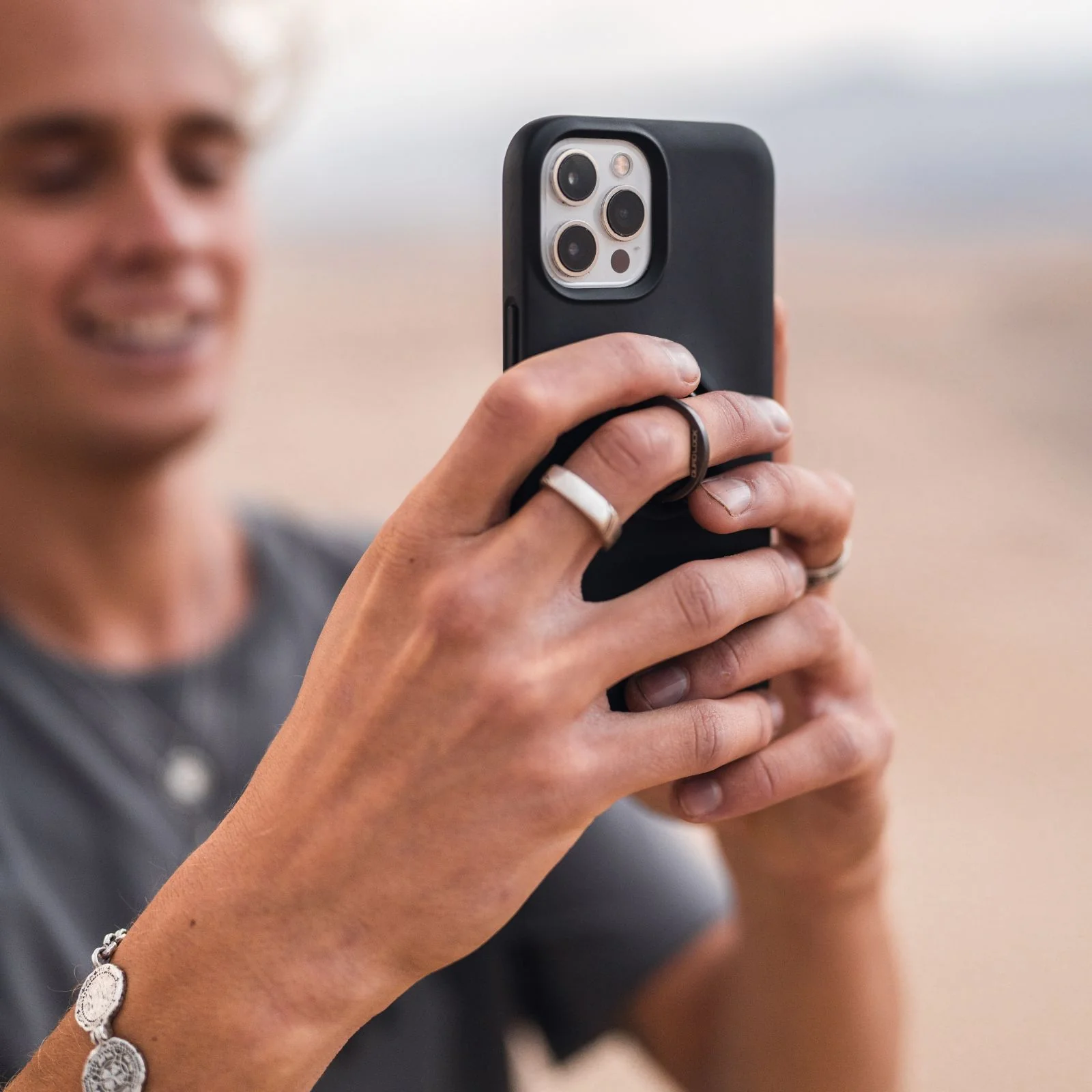
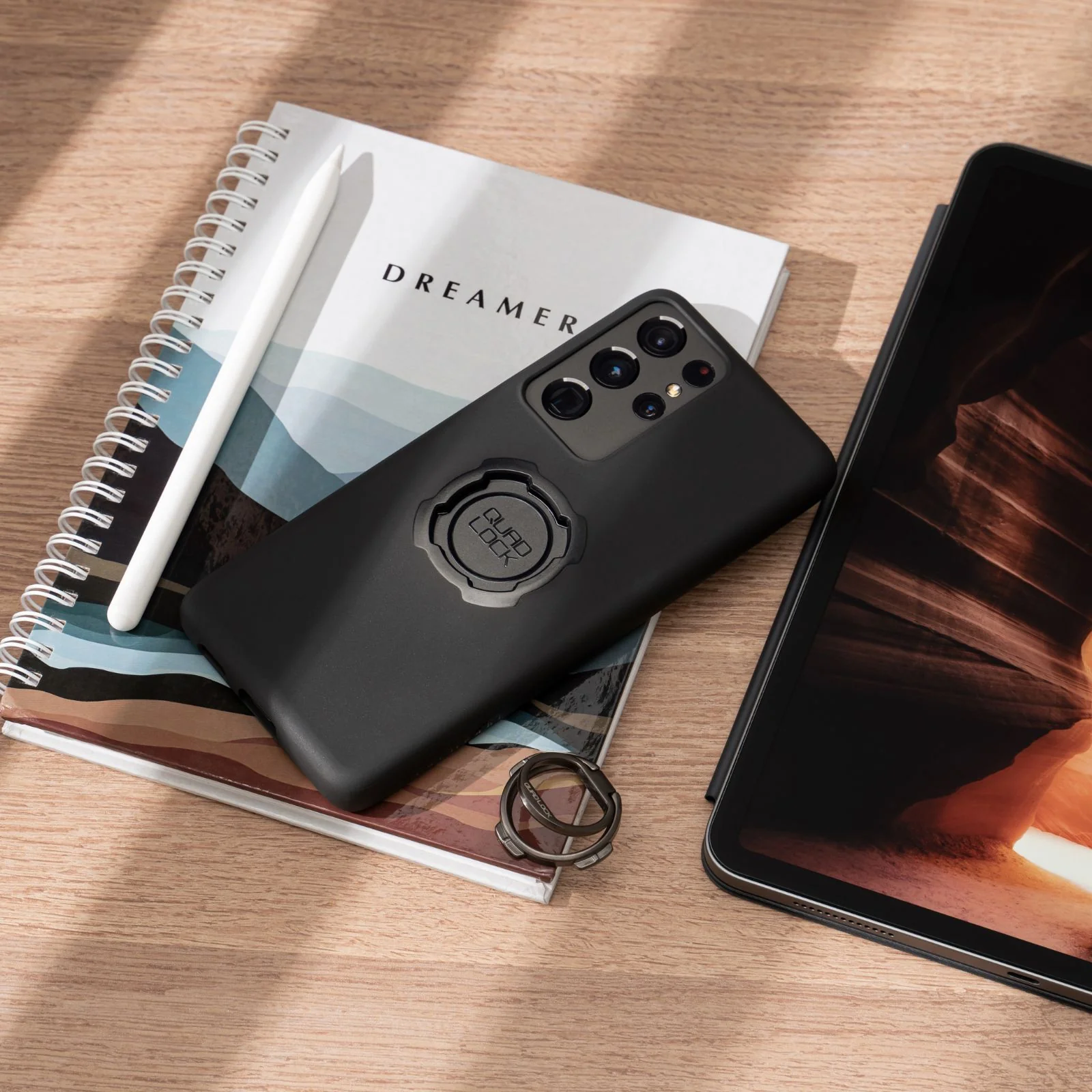
The Quad Lock® Phone Ring/Stand is compatible with all Quad Lock® Cases and Universal Adaptors, offering a secure grip and a kickstand for hands-free viewing. Easily attach or detach it, and keep it handy with the included carabiner.
Tech Specs
- Strong zinc alloy design
- Finger tab for easy pull
- Gun metal finish
- 120 degree hinge (when inserted) for multiple viewing options
- 4mm height so it sits flush in your Quad Lock case or Universal Adaptor
Please remove the Phone Ring/Stand when using wireless charging. You will also have to remove the Quad Lock Phone Ring/Stand from the back of the phone case to mount your Quad Lock.
Installation is simple—just insert it into the back of your Quad Lock® Case or Universal Adaptor until it clicks into place. Removal is just as easy with a quick twist.
Keep it within reach by attaching it to your keys using the included carabiner. Whether for a better hold or convenient viewing, the Phone Ring/Stand adds everyday functionality to your setup.
Details & Craftsmanship
Every detail has been carefully considered to bring you the perfect product.
Details & Craftsmanship
Every detail has been carefully considered to bring you the perfect product.
Details & Craftsmanship
Every detail has been carefully considered to bring you the perfect product.
Details & Craftsmanship
Every detail has been carefully considered to bring you the perfect product.
Details & Craftsmanship
Every detail has been carefully considered to bring you the perfect product.
Details & Craftsmanship
Every detail has been carefully considered to bring you the perfect product.
Description
The Quad Lock® Phone Ring/Stand is compatible with all Quad Lock® Cases and Universal Adaptors, offering a secure grip and a kickstand for hands-free viewing. Easily attach or detach it, and keep it handy with the included carabiner.
Tech Specs
- Strong zinc alloy design
- Finger tab for easy pull
- Gun metal finish
- 120 degree hinge (when inserted) for multiple viewing options
- 4mm height so it sits flush in your Quad Lock case or Universal Adaptor
Please remove the Phone Ring/Stand when using wireless charging. You will also have to remove the Quad Lock Phone Ring/Stand from the back of the phone case to mount your Quad Lock.
Installation is simple—just insert it into the back of your Quad Lock® Case or Universal Adaptor until it clicks into place. Removal is just as easy with a quick twist.
Keep it within reach by attaching it to your keys using the included carabiner. Whether for a better hold or convenient viewing, the Phone Ring/Stand adds everyday functionality to your setup.